 Cyber Matrix Today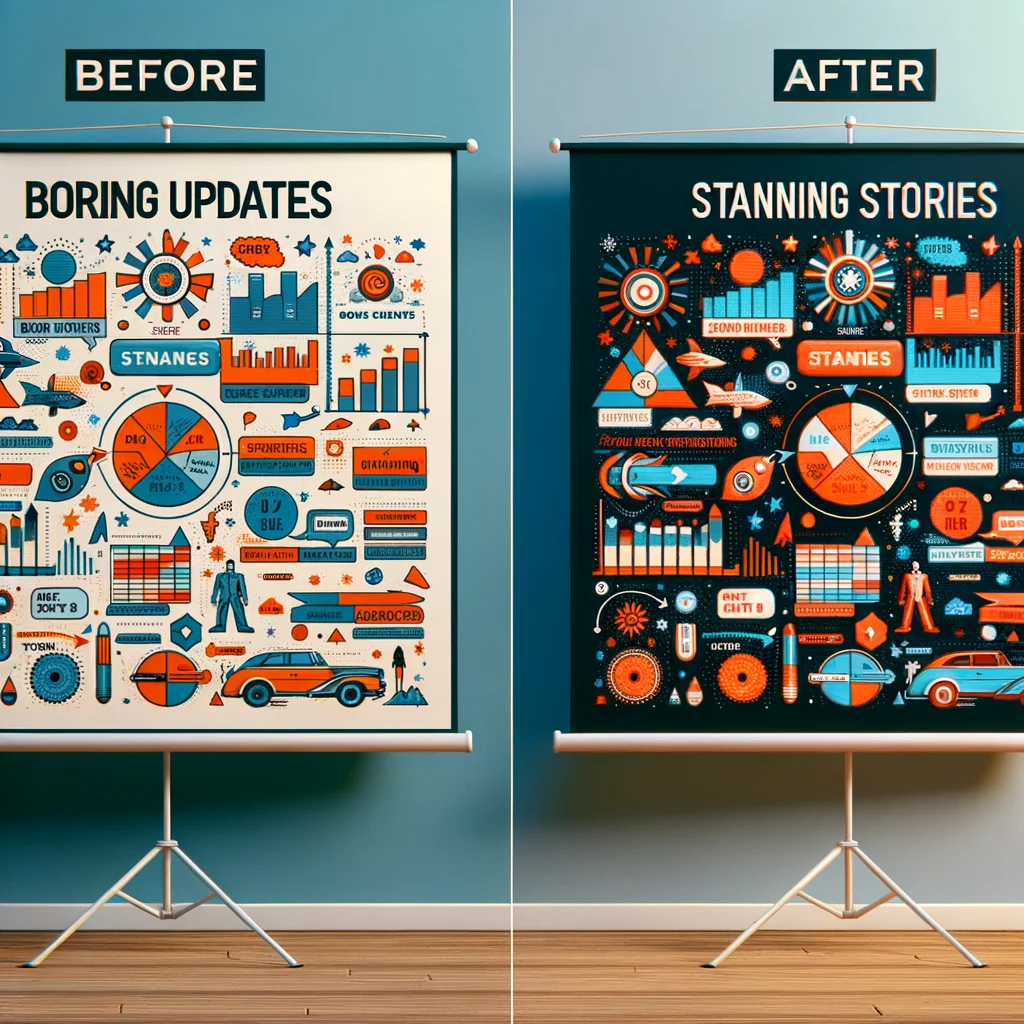
Turn Boring Updates into Stunning, Effortless Stories
Most updates sound dull because they read like status logs, not like stories. People skim them, forget them, or ignore them. Yet the same facts can feel sharp,...
In this article

Most updates sound dull because they read like status logs, not like stories. People skim them, forget them, or ignore them. Yet the same facts can feel sharp, human, and memorable when shaped as a story with tension, stakes, and a clear outcome.
Why “Boring” Updates Lose Readers
A boring update is usually just a list of facts with no clear line through them. Dates, numbers, and tasks stack up with no reason to care. The brain has to work too hard to connect the dots, so people stop reading.
Story patterns help the brain. A story answers three basic questions fast: Who is this about, what changed, and why should I care? If an update misses those, it feels like noise.
The Simple Shift: From Status to Story
You can turn almost any update into a story with one shift in mindset. Stop writing “what we did.” Start writing “what changed for someone.” That “someone” might be a customer, a teammate, or the whole company.
Take a dry line like, “We released version 2.1 of the app with bug fixes.” On its own, that is boring. Change the lens: “Last month, many users lost their progress mid-game. With the new release, saves are instant, so you keep every win.” Same facts, different focus.
The Core Story Framework for Any Update
A strong update does not need fancy language. It needs clear structure. Use a simple three-part frame to give shape to your message and guide the reader through it.
1. Start with the “Why this matters”
Open with impact, not with process. People ask, “What’s in it for me?” before they care about effort or detail. So answer that first in one or two short lines.
For example: “Support tickets just dropped by 30% because customers can now solve common login issues on their own.” That line gives a result, a number, and a hint of story. The reader now has a reason to keep going.
2. Show the tension: what was wrong or missing
Every story has tension. In updates, tension often comes from a problem, a risk, or a limit you had to work around. Do not hide this. A clear “before” makes the “after” feel stronger.
You do not need drama. Just be direct. “New hires waited three weeks for system access. They felt stuck and unprepared.” This sets the scene without hype and gives weight to your change.
3. Land on the change: what is true now
After you set the tension, explain what changed in simple terms. This is where you bring in the actual update: the feature, the policy, the milestone, the result.
Put the reader in the picture. “Now, new hires receive logins on day one and finish setup in under 15 minutes.” This line makes the outcome concrete and easy to imagine.
Micro-Example: Turning a Dry Update into a Story
Compare a typical status-style update with a story-style version. Both share the same core facts, yet one feels alive while the other feels flat.
| Dry Status Update | Story-Driven Version |
|---|---|
| “We migrated 12 internal tools to a single platform. Migration completed on schedule.” | “Teams used to jump between 12 tools just to finish a basic task. Now they work from a single space, and early tests show task time down by 40%.” |
Both versions are true. The second one adds tension (“jump between 12 tools”) and impact (“task time down by 40%”), so readers instantly see why the work matters.
Know Who the Story Is For
An update is only boring if it misses the needs of its audience. The same news can sound sharp to engineers and vague to sales or leadership. You need to choose a focus before you write.
Ask a simple question: “Who must understand this, and what do they care about most?” That answer guides which details to keep and which to cut.
Match the angle to the audience
Each group views the same update through a different lens. Adjust the angle, not the truth. Keep the core facts but change the emphasis and examples.
- For executives: focus on outcomes, risk, and direction.
- For customers: focus on ease, speed, and clear benefits.
- For teammates: focus on workflow, ownership, and next steps.
One product release can yield three short, focused updates that connect better than one broad message that tries to speak to everyone at once.
Use a Clear, Repeatable Structure
A simple structure helps both readers and writers. Readers know where they are. Writers move faster and avoid rambling. You can use one basic outline for most written updates.
A practical structure for written updates
The following steps give a clean pattern. Use them for emails, internal posts, and even public release notes. Over time, your audience learns to expect this rhythm and reads more often.
- Headline: State the change and hint at the benefit.
- One-line summary: Explain what changed in plain speech.
- Context: Show the old problem or gap in 2–3 lines.
- What changed: Describe the new state in simple terms.
- Why it matters: Spell out impact in numbers or examples.
- What to do now: Give clear next steps or links.
This outline keeps you from starting with background and losing readers in the first paragraph. You lead with change and impact, then layer in details for those who want them.
Make Dry Details Feel Human
Many updates include technical or process details. These do not have to be dull. Add a human link that shows who is affected and how their day shifts. Use short, concrete phrases.
Swap abstract ideas for real scenes
Abstract language turns readers off. Real scenes pull them in. Replace vague claims with small, clear moments that people can picture without effort.
Instead of saying, “This update improves collaboration across departments,” write, “Marketing can now see live inventory, so they stop planning campaigns around items that are already sold out.” One line, clear scene.
Write in Plain Language, Not Jargon
Jargon makes updates heavy. Readers trip over terms and lose the main point. Plain language does not reduce the value of your work. It reveals it more clearly.
If a term is vital, keep it but explain it in a short phrase. For example, “We added SSO (single sign-on), so you log in once and access every tool without extra passwords.” The reader learns the term and the benefit in one go.
Use Numbers with a Clear Point
Numbers can make a story sharp, but only if they support a clear point. A data dump just adds noise. Choose one or two numbers that show change, not just scale.
Compare “We processed 3,000 tickets last month” with “We solved 3,000 tickets last month, and 75% closed on first contact, up from 50%.” The second version shows progress, not just volume.
Short Story Formats for Different Channels
Different channels need different story shapes. You do not need a full narrative for every place you post. Short formats can still carry tension, change, and impact.
Email subject lines
Subject lines act as tiny headlines. They should signal both the change and the benefit. Avoid vague words and focus on something you can see or measure.
- Weak: “Platform update: October”
- Strong: “Faster load times: pages now open 40% quicker”
A strong subject line does not just say “update.” It states a clear win that pulls readers into the rest of the story.
Slack or chat posts
Short chat updates work best as a headline plus one sharp detail. You can always link to a longer note. The goal is to hook interest, not to cram every detail into one message.
For example: “New incident playbook is live. On-call engineers now have a 4-step flow that cuts handover time in half. Full guide here: [link].”
Common Mistakes That Keep Updates Boring
Some habits keep updates flat, even when the content is rich. Spotting these patterns makes it much easier to fix your drafts with a quick pass.
Typical pitfalls to avoid
These issues show up often in project reports, company emails, and product notes. A single small change in wording can remove a lot of friction for readers.
- Starting with background: Long history before the news.
- Burying the benefit: Impact hidden halfway down.
- Listing tasks, not changes: “We met X and Y” without saying what shifted.
- Overusing buzzwords: Vague phrases that say very little.
- Skipping next steps: No clear action, so readers move on.
A quick check for these traps after you draft can lift the clarity of your updates without adding length or effort.
A Quick Checklist Before You Hit Send
A short checklist helps you turn a rough update into a story readers care about in a few minutes. Use it as a final filter on every important message.
- Does the first line show why this matters to the reader?
- Is there a clear “before” and “after” in simple language?
- Have you named who is affected (team, customer, partner)?
- Did you cut or explain jargon that could confuse people?
- Is at least one number tied to a clear result or change?
- Do you end with a direct next step or clear “what now”?
Run through these questions once, adjust a few lines, and most updates shift from dry and forgettable to clear and useful. Over time, this habit builds trust, because people learn that your messages respect their time and answer what they care about first.